 Watchpost
Free
Everyone, from the first launch
Free
- Live view, PTZ, device settings, events, the map
Everything on this page works today with Hikvision, HiWatch and Xiongmai devices. ONVIF cameras get live view.
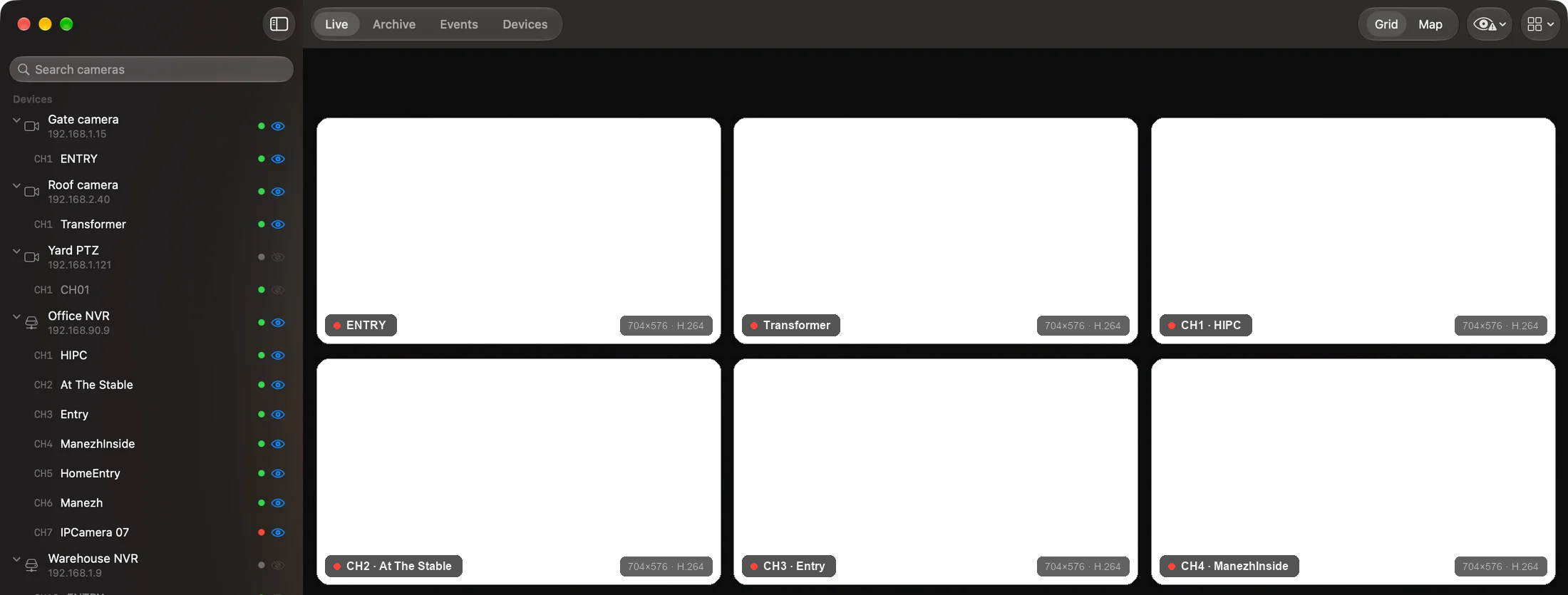
Watchpost shows the cameras of a site in one grid and groups devices by site in the sidebar. Open a tile to watch one camera full size.

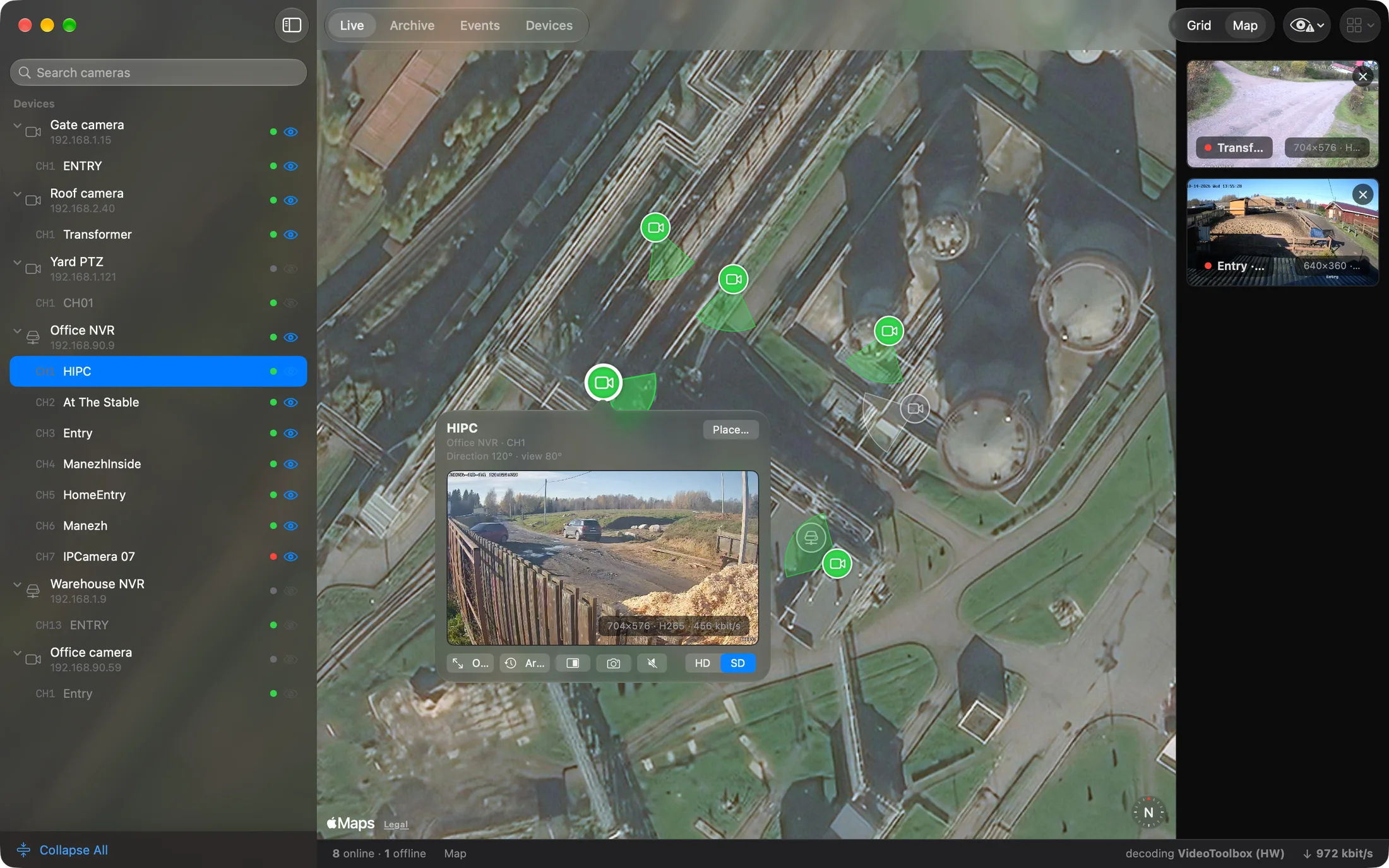
Cameras and recorder channels sit on a map next to the grid. Click a pin to see its live picture, park up to four pictures beside the map, or jump to the archive of that camera.
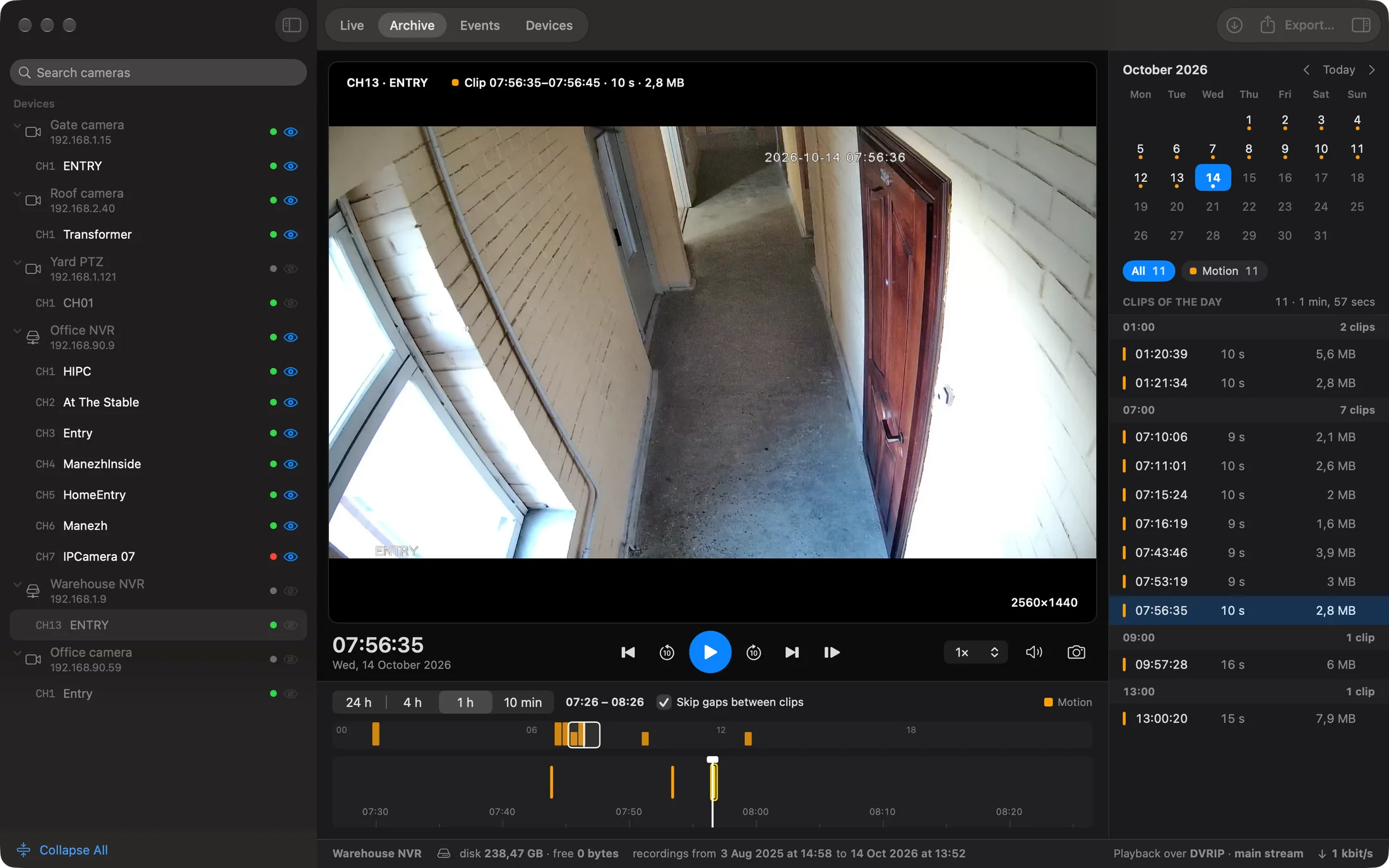
A day of recordings sits on one timeline: recordings in blue, motion in yellow. The player runs on your machine, so pause, frame step and speed respond at once.
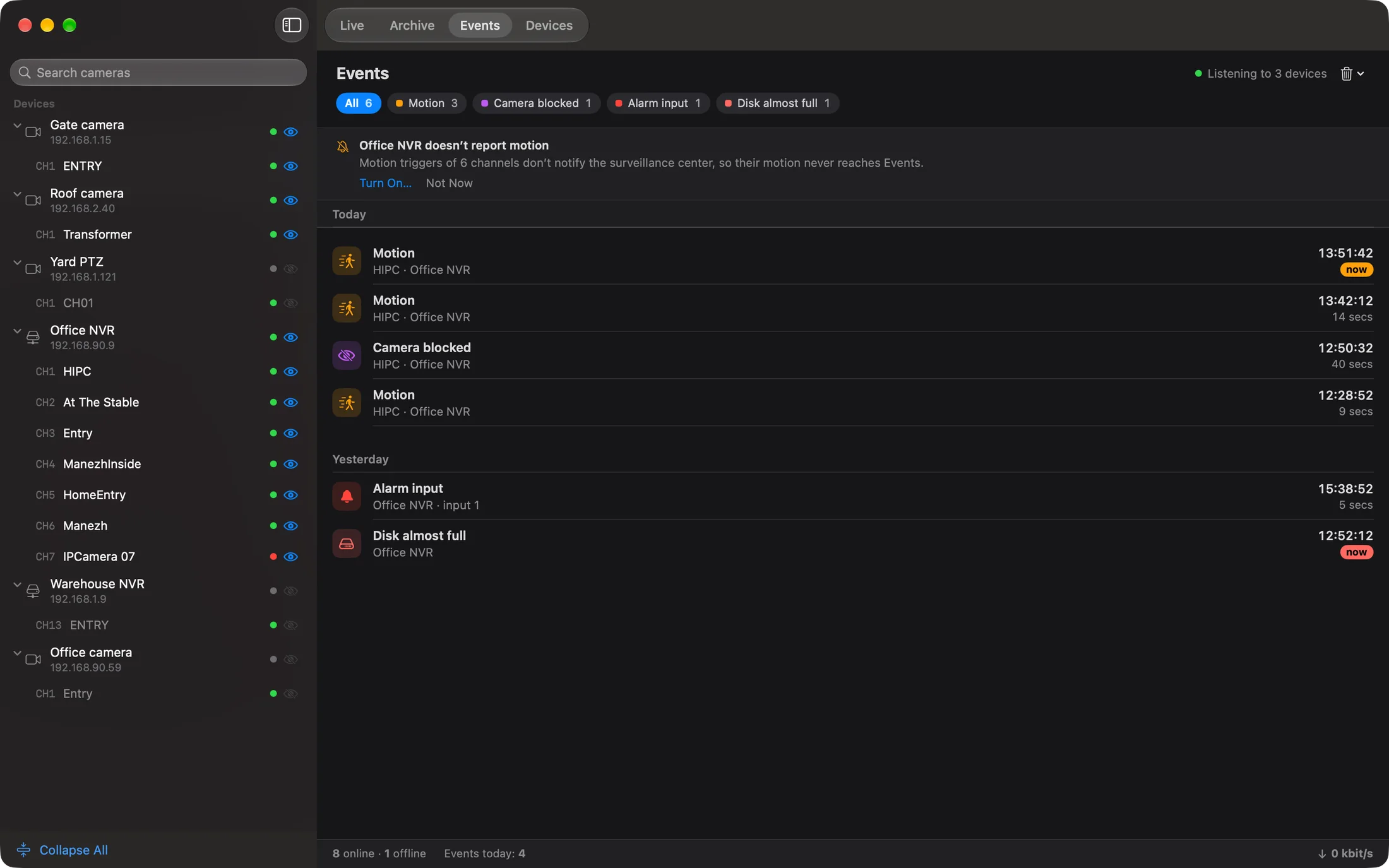
The app subscribes to alarms from the device and keeps them in a feed. On a Mac they also arrive as system notifications.
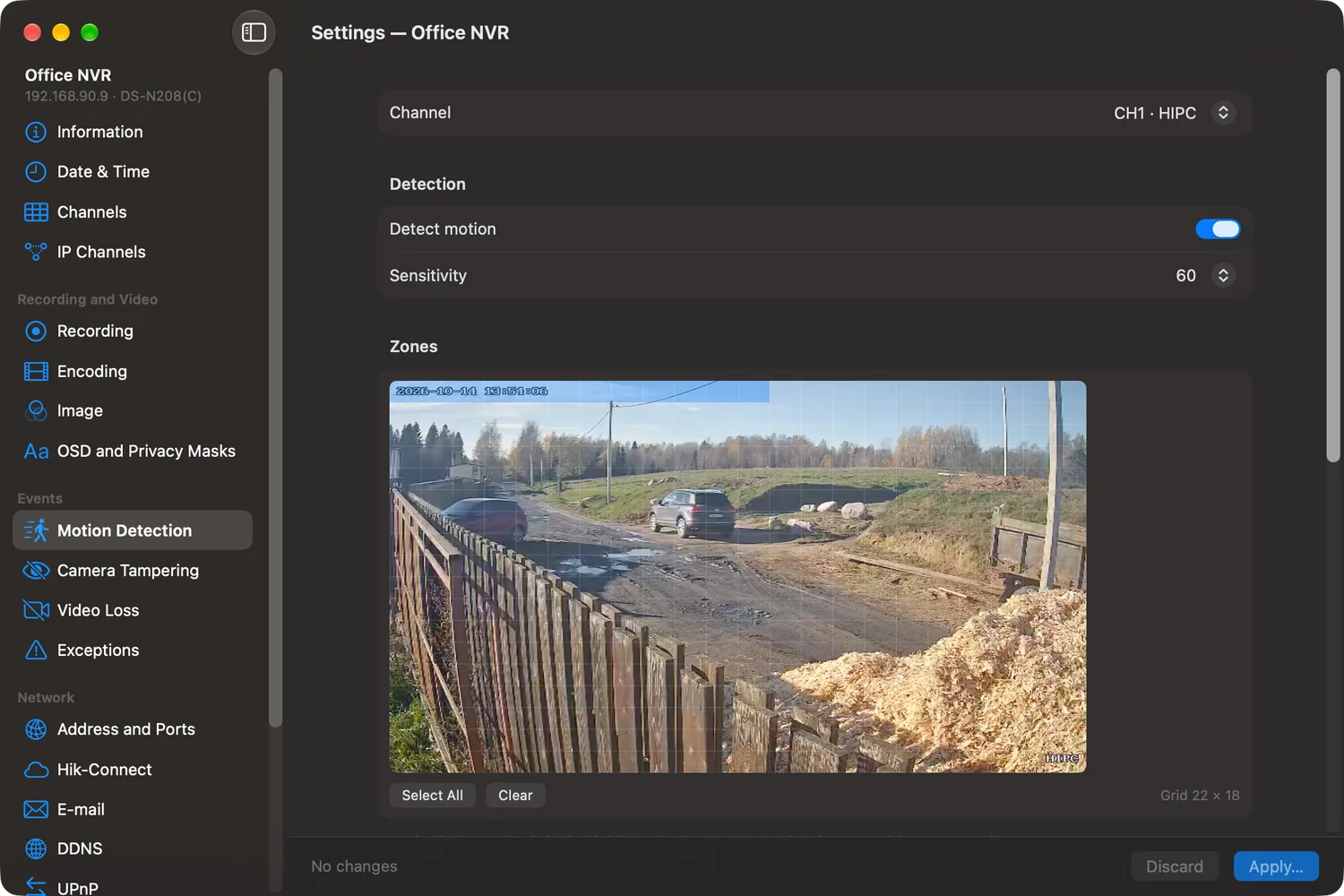
Each device gets its own settings window, with native forms for what that device supports. A section the device does not support stays hidden.
The same list as on the pricing page: what Free, Home, Pro and Business can do.
| FreeEveryone, from the first launch | HomeOne person and their cameras | ProInstallers and solo administrators | BusinessAn organization and its team | |
|---|---|---|---|---|
| Live view, PTZ, device settings, events, the map | ✓ | ✓ | ✓ | ✓ |
| Archive on one timeline and export to MP4 | – | ✓ | ✓ | ✓ |
| Work tools: batch import from a table, registry exchange, configuration snapshots, the site wizard | – | – | ✓ | ✓ |
Everyone, from the first launch
Free
One person and their cameras
Installers and solo administrators
An organization and its team
For now licenses are sold through support. Write to us and name the edition you want.
Ask about pricing →